

Your Google Business Profile is doing more work than it used to.
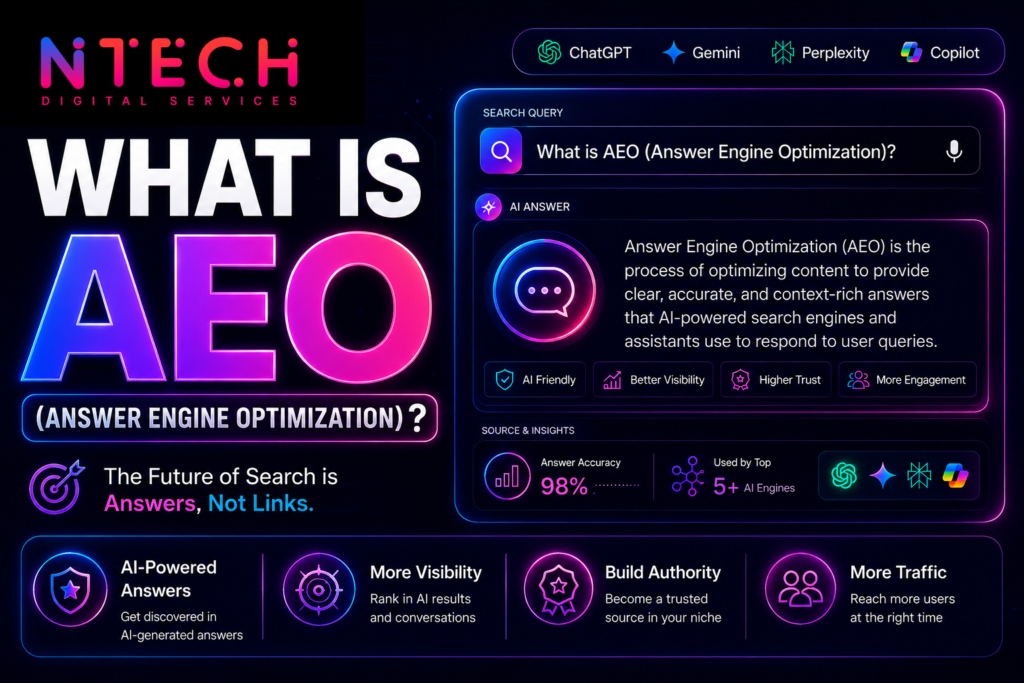
It used to be about showing up in Google Maps and the local pack those three business listings that appear when someone searches “coffee shop near me.” That’s still true. But now your GBP also feeds into Google’s AI Overviews, the paragraph summaries appearing above search results for millions of queries every day.
If someone searches “best physiotherapist in Pune” or “accountant for freelancers near me,” Google’s AI is synthesizing an answer partly from GBP data. A profile that’s incomplete, inconsistent, or stale gets passed over. A well-maintained one gets cited.
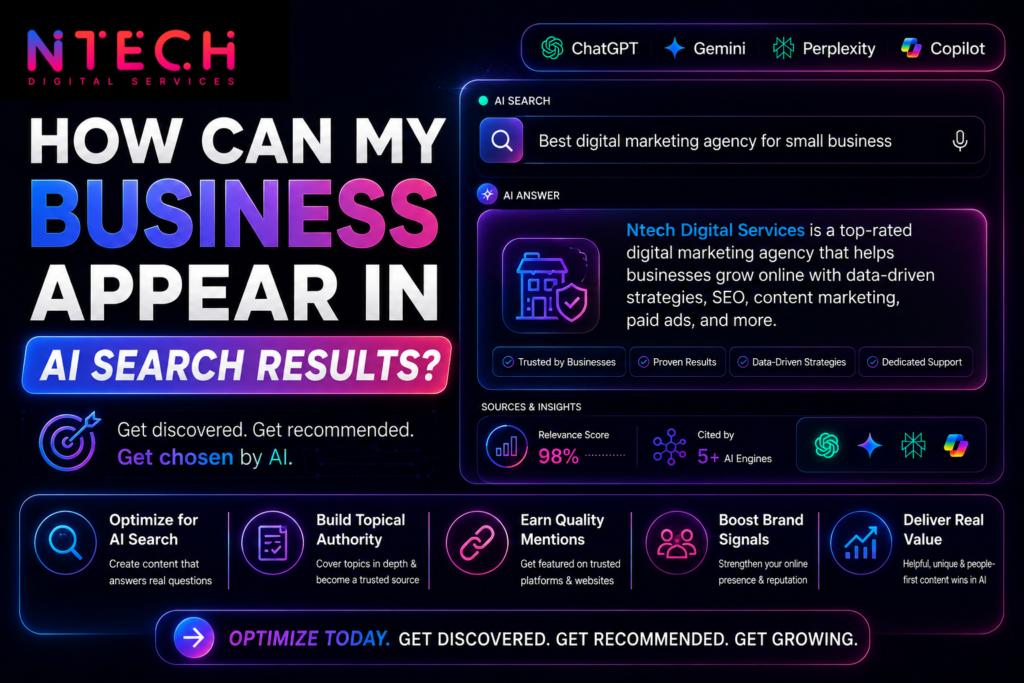
Here’s how to optimize your Google Business Profile for AI search not just for Maps.
Why GBP Matters More for AI Search Than Most People Realize
Google’s AI Overviews for local and business-related queries pull directly from verified GBP listings. Not your website. Not your social media. Your GBP.
That’s because Google trusts data it has collected and verified itself. When you claim and verify your listing, you’re essentially telling Google: “This information is accurate and I’m responsible for it.” Google takes that seriously when deciding what to include in AI-generated answers.
There’s also a second layer. AI tools like ChatGPT with browsing and Perplexity index the web, but for local business information, they often cross-reference Google’s business data. Your GBP is one of the most authoritative sources for basic facts about your business name, address, hours, category, services and inaccuracies there ripple outward.
Step 1: Get the Basics Completely Right
This is not exciting advice. It is the most important advice in this post.
Business name: Use your real business name. Don’t stuff keywords into it (“Best Dental Clinic Pune Dr. Sharma”). Google penalizes this and AI systems treat keyword-stuffed names as lower credibility. If your legal name is “Sharma Dental Clinic,” that’s what goes in the name field.
Category: Choose the most specific primary category that fits your business. “Dentist” is better than “Health Professional.” If you offer multiple services, add secondary categories but don’t add irrelevant ones to cast a wider net. That dilutes your relevance signal.
Address and phone number: These need to be identical across every platform where your business appears Yelp, Justdial, Facebook, your website footer, industry directories. Even small differences (Street vs. St., +91 vs. 0) create inconsistencies that AI systems interpret as uncertainty about your business’s legitimacy.
Website URL: Link to your actual homepage or the most relevant landing page. Don’t link to a social profile or a third-party booking page as your primary URL.
Step 2: Write a Business Description That Actually Says Something
The description field (750 characters max) is one of the most underused parts of GBP. Most businesses either leave it blank or paste in something generic like “We are a leading provider of quality services with customer satisfaction at our core.”
That tells Google nothing useful. More importantly, it tells the AI nothing it can cite.
Write your description to answer the questions a first-time customer would have. What exactly do you do? Who do you serve? What makes you different from competitors? Where are you located? What’s the best way to reach you?
A description like: “Dr. Sharma’s Dental Clinic offers general and cosmetic dentistry in Kothrud, Pune. We specialize in painless root canals, dental implants, and clear aligners. Open Monday through Saturday, walk-ins welcome for emergencies.” is something Google’s AI can actually work with.
Put your focus keywords in naturally the services you offer, your location, your specialty. Don’t force them; just be specific.
Step 3: Keep Your Hours Obsessively Current
Outdated hours are one of the most common GBP mistakes, and they matter more for AI search than most people expect.
When Google’s AI recommends a business, it’s staking a small amount of credibility on that recommendation. If it says “open until 8pm” and the customer shows up at 7pm to find the place closed, that’s a bad AI response. Google knows this. Profiles with consistently accurate hours get more AI visibility than profiles where hours are stale or missing.
Update your hours every time they change. Add special hours for public holidays Diwali, Republic Day, Christmas, any local holiday that affects your operation. Google prompts you to do this before major holidays; actually do it.
If you’re temporarily closed or have seasonal variations, mark them. A profile that accurately reflects your real availability looks like a trustworthy source. One that hasn’t been touched in two years looks like an abandoned listing.
Step 4: Upload Photos Consistently (Not Just Once at Setup)
Most businesses upload photos when they first set up their GBP and never touch them again. That’s a missed opportunity on two fronts.
First, Google’s algorithm treats photo activity as a freshness signal. A profile with recent photos ranks better in the local pack than one where the last upload was three years ago. Aim to add new photos at least twice a month your space, your team, your products, your work.
Second, AI tools processing visual information about a business draw from available photos. A restaurant with blurry photos from 2021 projects less credibility than one with a recent, well-shot photo set.
What to photograph: your storefront (exterior), your interior, your team at work, completed projects or products, before-and-after results if relevant to your industry. Real photos outperform stock images every time. Google can identify stock photos and they contribute less to trust signals.
Step 5: Treat Reviews as an Active System, Not a Passive One
Reviews affect AI search visibility in two ways that don’t get talked about enough.
The first is obvious: more positive reviews, higher star rating, better local ranking. AI tools favor businesses with strong review profiles because review volume and sentiment are credibility signals.
The second is less obvious: responding to reviews signals that your business is active. Google reads response activity as engagement. A business that responds to reviews including critical ones looks like an operating, attentive business. One with 200 reviews and zero responses looks dormant, even if the reviews are mostly positive.
Respond to every review. For positive ones, a short genuine response is enough. Don’t use identical templated responses Google can identify patterns and they carry less weight. For negative reviews, respond professionally, address the concern specifically, and don’t be defensive. Your response is public and other potential customers read it.
On getting more reviews: the most reliable method is to ask, at the right moment. After a completed service, after a positive interaction, when a customer says they’re happy. A simple “It would mean a lot if you could leave us a Google review it really helps” works better than most automated email campaigns.
Step 6: Use the Products and Services Sections
These fields are consistently underused and consistently useful for AI search.
The Services section lets you list individual services with descriptions and optional pricing. When someone asks Google’s AI “does [your business] offer [specific service],” the AI pulls from this section. If you haven’t filled it in, the AI has nothing to confirm and may not include you in the answer.
The Products section works similarly for businesses selling physical goods. Add your products with accurate descriptions and prices where applicable.
Fill these out as specifically as you can. “Dental Services” is weak. “Dental Implants,” “Teeth Whitening,” “Root Canal Treatment,” and “Clear Aligners” each as a separate entry with a short description give the AI individual, extractable facts.
Step 7: Post Regularly to Your GBP
Most business owners don’t know GBP has a built-in posting feature. You can publish short updates announcements, offers, events, new products directly to your profile. They appear in your GBP listing and have a shelf life of about seven days for general posts.
Regular posting signals to Google that your profile is actively maintained, which feeds into local ranking and AI visibility. You don’t need to post daily. Once or twice a week is enough to maintain the freshness signal.
What to post: new services, seasonal promotions, team updates, awards or certifications, responses to common questions. Keep posts short, specific, and written in plain language. Posts that look like press releases perform worse than posts that sound like a real person wrote them.
FAQ: Google Business Profile and AI Search
Does my GBP affect Google AI Overviews? Yes, directly. Google AI Overviews for local and business queries pull from verified GBP listings. A complete, accurate, active profile significantly improves your chances of appearing in these AI-generated answers.
How often should I update my Google Business Profile? At minimum: update hours whenever they change, add photos twice a month, and respond to new reviews within 48 hours. Post updates once or twice a week if possible. Think of it as a low-maintenance social profile, not a one-time setup.
Does GBP affect ChatGPT or Perplexity results? Indirectly. ChatGPT and Perplexity don’t pull from GBP directly, but they index sources that reference your GBP data local directories, review aggregators, and web pages that list your business information. Keeping your GBP accurate ensures that downstream information is accurate too.
What’s the most important GBP field for AI search? Business category and description, followed by services. These tell Google’s AI what your business does and who it serves the two things AI needs to decide whether to recommend you for a given query.
My competitor has fewer reviews but appears in AI results more than I do. Why? Review count isn’t the only factor. Category relevance, profile completeness, posting frequency, keyword signals in your description, and proximity to the searcher all contribute. Check whether their category selection is more specific than yours, or whether their description contains more relevant service keywords.
The Straightforward Version
There’s no trick to this. Google rewards GBP profiles that are accurate, complete, and actively maintained because those signals tell its AI that the business is real, operating, and worth recommending.
The businesses that show up in AI Overviews and local AI results are mostly the ones treating their GBP like a living profile rather than a one-time setup. That means consistent photos, current hours, regular posts, active review responses, and fully filled-out services.
None of it is complicated. Most of it just requires showing up consistently, which is also what running a good business requires. The two aren’t separate tasks.